November 27, 2026Education
How to Track a Hyperliquid Wallet: Positions, History and Privacy
Track a Hyperliquid wallet by verifying the address, reading position changes and checking history coverage. Includes a worked size example and account-privacy checks.
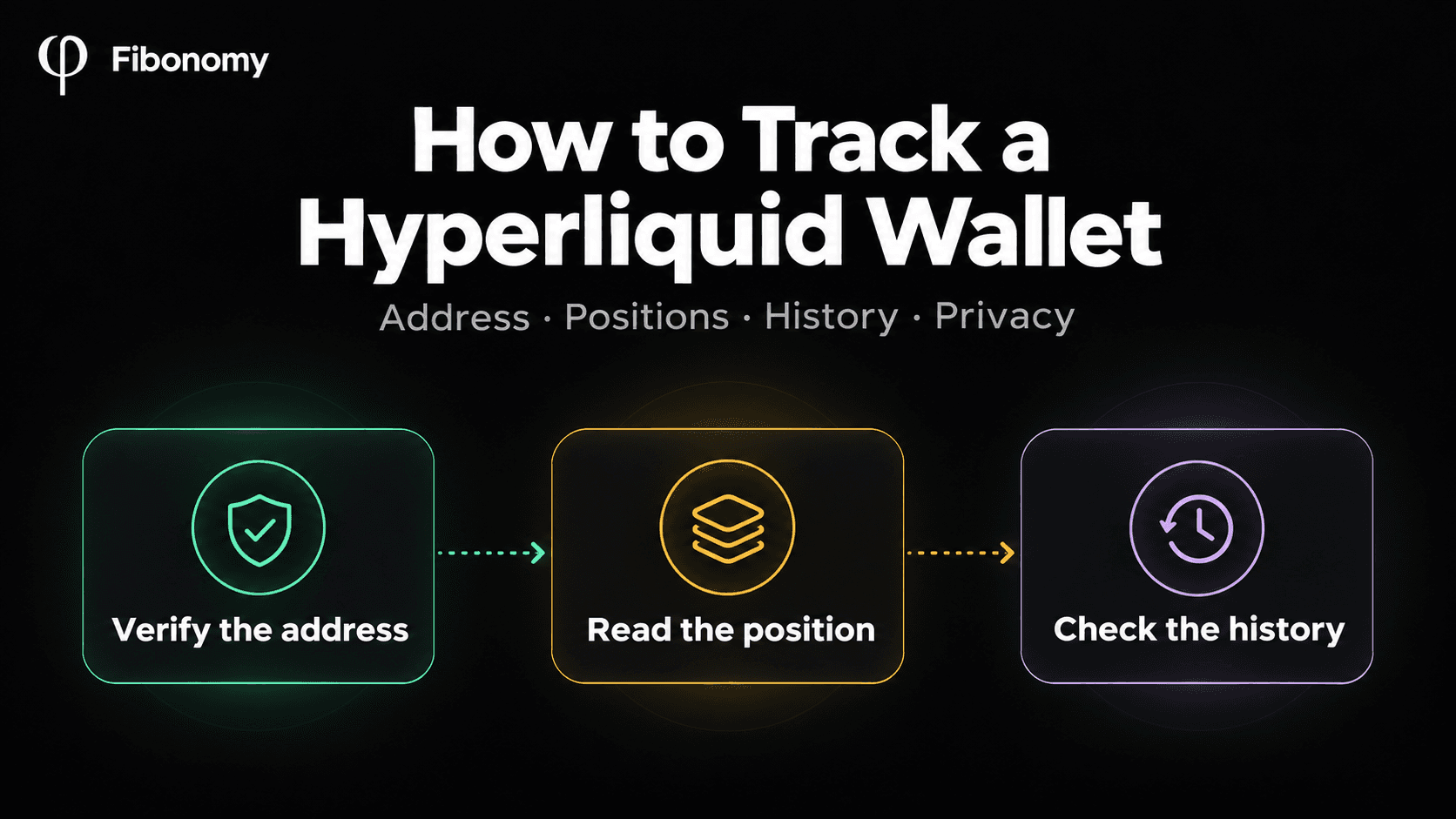
You paste a Hyperliquid address into a tracker and see a position. Before interpreting the result, check that you are looking at the intended account, that the data is current, and that the history covers the period you want to review.
To track a Hyperliquid wallet, copy the account address, check it in an address-based tracker, then inspect the open positions and the fills behind their changes. Keep a timestamp and coverage note with your observations. If you connect the address to a signed-in service, consider how that association links public trading history to your account.
What do you need to track a Hyperliquid wallet?
Start with the address of the account whose activity you want to inspect. Hyperliquid's documentation warns that querying an agent wallet instead of the actual master or subaccount can produce an empty result. Check the address against the account you intended to review before treating an empty view as evidence of inactivity. Hyperliquid Info endpoint documentation
Keep these fields together in your review note:
| Field | What to record |
|---|---|
| Address | The full account address you checked |
| Account scope | Main account or the specific subaccount you intended |
| Market scope | The perpetual market and venue scope being viewed |
| Observation time | When you checked, with timezone |
| History window | The start and end of the records you examined |
| Coverage | Any missing records or unverified assumptions |
An address identifies the account data being queried. When you make claims about a person, you also need evidence that connects that person to the address.
1. Verify the address before you interpret the results
Copy the address from the account you intend to inspect. Compare the full value with the address shown in the tracker. If you are reviewing a subaccount, use the address associated with that subaccount.
For your own account on Fibonomy, the public Hyperliquid page describes copying the main account address, then pasting it for verification. Its stated connection input is a public address, with no API key or wallet signature required. Follow the current connection screen and confirm the account identity before interpreting a position.
If the view is empty, use the troubleshooting table below before drawing a conclusion.
2. Read the current position and its observation time
For each perpetual position, record the market, direction, size and entry price shown at the time of observation. If the view includes liquidation or margin figures, keep the account and market scope with those figures. Hyperliquid documents an account-summary query for perpetual positions and margin, with an optional perpetual DEX scope. Coverage matters when the account uses more than one market venue. Hyperliquid perpetuals account documentation
A snapshot answers what was visible when you checked. To explain a change in size, inspect the executions around that change. To explain an exit price, use the execution record. The distinction between a planned price and an actual fill also matters when reviewing entry and exit prices.
3. Follow size changes through the fills
Use fills to reconstruct how a position opened, increased, reduced and closed. Work chronologically within the same account and market. Record the starting size if the history begins after entry, and mark it as unknown if the earlier records are missing.
Here is a synthetic example of a BTC perpetual long. The position starts flat, all three fills are included, and there are no intervening trades.
| Event | Signed size change | Position after the fill |
|---|---|---|
| Open long | +0.10 BTC | 0.10 BTC long |
| Reduce long | −0.04 BTC | 0.06 BTC long |
| Close the remainder | −0.06 BTC | 0 BTC |
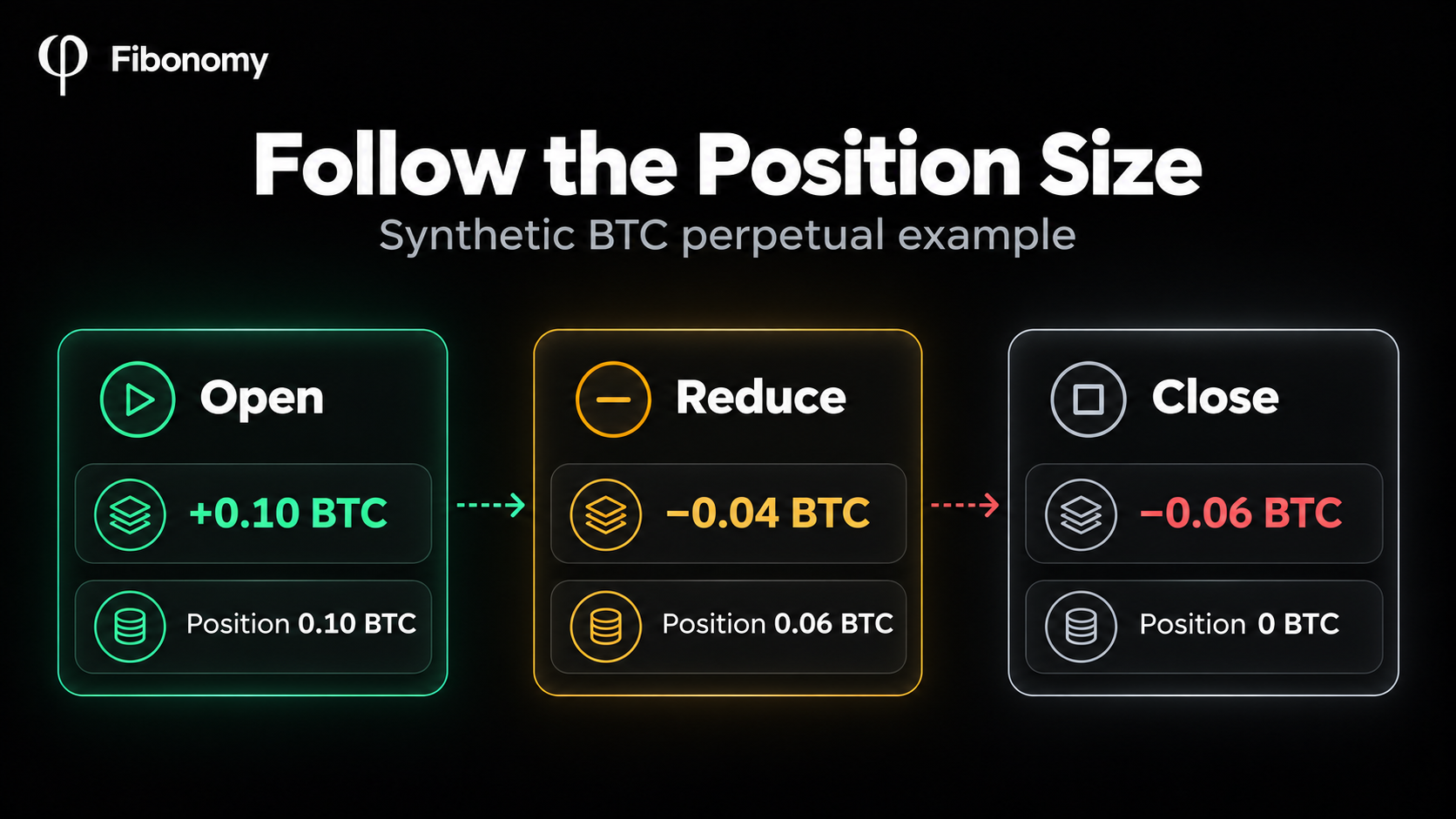
Illustrative quantities for one complete position sequence. Prices, fees and funding are outside this example.
The first reduction leaves 0.06 BTC open. The last fill brings the position to zero. If your history contained only the final fill, you would need the earlier records to reconstruct the opening and reduction. Keep that gap in the review note. The partial-close guide explains why a reduction leaves a remaining position to review.
Use executions to establish what changed. Record any explanation of the trader's intent only when the evidence supports it.
4. Check how much history you can actually see
A recent activity list may cover only part of an account's trading. Hyperliquid's documentation specifies limits for fill requests. Its time-based fill query makes only the most recent 10,000 fills available. A tracker may have its own collection and display coverage, so check the period shown before describing a sequence as complete. Hyperliquid fill-history documentation
For each review, write down the first and last execution available and whether the position was already open at the first record. If it was, the visible sequence begins partway through the lifecycle. A position that is flat now may still have earlier activity outside the visible window.
If you later calculate a financial result, check the prices, costs and currency fields for the full sequence. A size-only reconstruction such as the example above establishes the quantity changes. A complete financial review needs the associated financial records.
5. Consider the privacy effect of connecting an address
Reading public activity and associating an address with a signed-in account create different kinds of information. The public address can reveal trading history. Linking it to a service account adds context about which account submitted or follows that address.
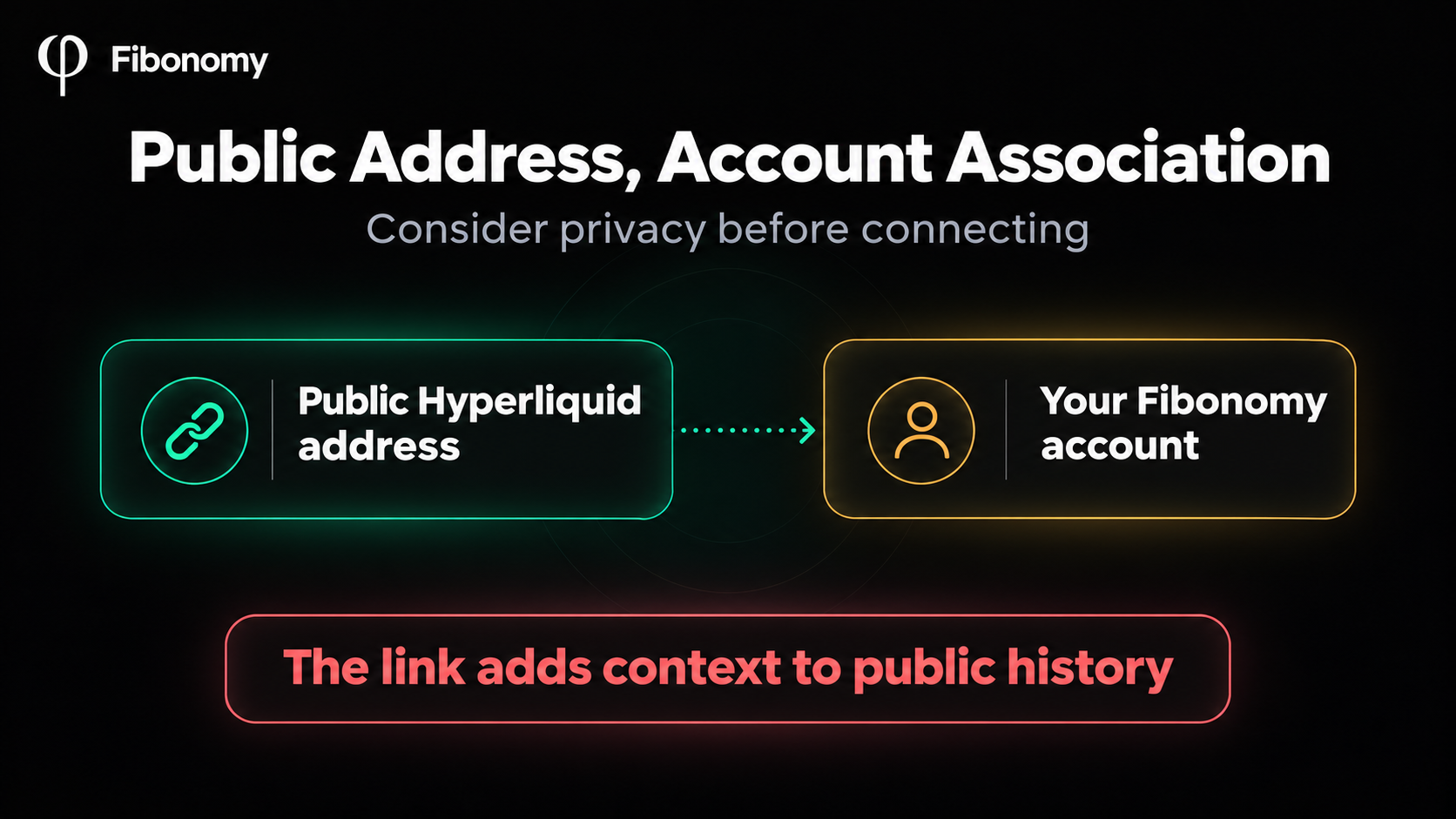
The diagram illustrates account association. Review the current service policy and connection screen before linking an address.
Before connecting, check which service account you are signed into, which address you are submitting and what the current policy says about storage and use. Review the Fibonomy Privacy Policy alongside the connection screen. Public-address access can still have privacy consequences through that association.
Where does Fibonomy fit into the workflow?
Use the Hyperliquid product page to start the address connection for your own account. It also describes Trader Explorer, Follow and alerts for other traders' position changes. During our public entry-path check, Explore traders led an anonymous visitor to sign-in.
Choose the address and the question you want to investigate before exploring activity. For your own account, that might be whether a reduction left exposure open. For another account, it might be which size changes are supported by the visible records. Keep the timestamp and coverage note with either observation.
For a structured review after a position closes, the post-trade checklist provides a way to compare recorded events with an available plan.
Troubleshooting an empty or confusing tracker view
| What you observe | What to check next |
|---|---|
| No account activity appears | Compare the full address and verify the intended main account or subaccount |
| The current position looks empty | Check the observation time, account scope and market coverage, then inspect history |
| The first visible record reduces a position | Look for an earlier opening fill or record the starting size as unknown |
| A size change appears without enough context | Find the matching executions and their timestamps |
| A history list ends before the period you need | Record the coverage limit and obtain the missing records if available |
Frequently asked questions
Can I track a Hyperliquid account from its address?
Hyperliquid provides account queries keyed by address. Check the account and market scope, then verify the coverage of the tracker you use.
Why would a valid address return an empty result?
The intended trading account may use a different main-account or subaccount address. The selected market scope or visible time window may also explain the result. Verify those details against the source account.
Can a partial close appear as a closed trade?
A reducing fill closes part of the quantity. Check the remaining size and the later fills to determine when the full position reached zero.
Sources
- Hyperliquid Info endpoint documents account addresses, fills and history limits.
- Hyperliquid perpetuals queries documents position, margin and perpetual DEX scope.
- Fibonomy Hyperliquid describes the public-address connection and advertised product paths.
Documentation and public product page checked November 27, 2026.