November 27, 2026Education
Hyperliquid Whale Tracking: Orders, Fills and Positions
Learn how to read Hyperliquid whale activity through orders, fills and position changes. Includes partial-fill and cancellation examples and a practical review checklist.
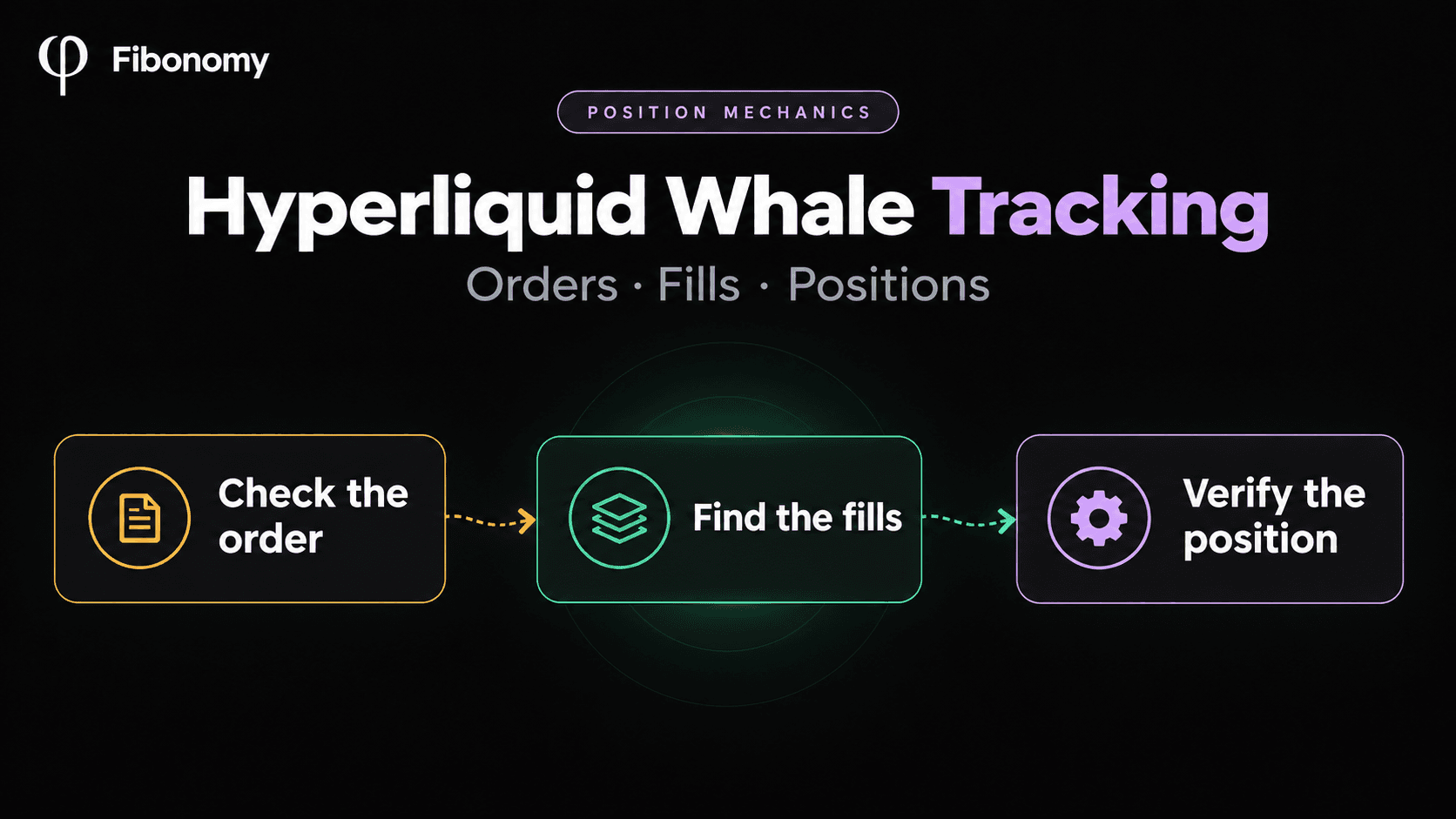
A large sell order appears in a Hyperliquid account you are watching. Later, it disappears from the open-order view. To understand what happened, check the order status, the executed fills and the position that remained.
Hyperliquid whale tracking means following the activity of large accounts through those records. Start with the exact address and market, distinguish the quantity offered from the quantity executed, then compare the position before and after the event. Keep the observation time and any coverage gaps with your finding.
What are you tracking when you track a whale?
Use an explicit size measure. An account can rank highly by account value, by the notional size of one position, or by an individual order. Record which measure produced the label and when the ranking was observed. “Whale” is a descriptive label here, with the size criterion set by the view you are using.
| Record | What you can inspect | What to carry into your review |
|---|---|---|
| Open order | Market, side, price and remaining quantity | Address, order identifier and observation time |
| Fill | Executed price and quantity | Execution time and matching order identifier |
| Position snapshot | Current direction and size | Account, market scope and snapshot time |
| Order status | The recorded state of a specific order | Status and the time associated with it |
Hyperliquid documents open-order, fill and order-status queries separately. The order-status responses include open, filled, canceled and triggered states, among others. Use the matching records to establish the event sequence. Hyperliquid Info endpoint
If you are starting from an address, the Hyperliquid wallet tracking guide covers account verification and history coverage.
How do you tell what happened to a large order?
Follow the order identifier from the observation into the available status and execution records. Reconcile the original quantity, total fills and remaining quantity. An order can execute in parts, so a later cancellation can apply to its remaining quantity.
When an order disappears from a list, record the observation, then look for the status and fills that explain it. If the matching history is missing, mark the outcome as unresolved. Your note can say “observed open at 10:00 UTC, absent at 10:05 UTC, intervening status unavailable.”
Order instructions also affect how a remainder is handled. Hyperliquid documents that an immediate-or-cancel order cancels its unfilled part, while a post-only order is canceled if it would immediately match. Interpret the order using its actual instructions when those are available. Hyperliquid Exchange endpoint
Worked example of a partial fill and a cancellation
This synthetic example follows one BTC perpetual market for one address. The account starts with a 20 BTC long. It places a 10 BTC sell order, 3 BTC executes, and the remaining 7 BTC is canceled. The records cover the whole interval and contain no other fills.
| Event | Order record | Position |
|---|---|---|
| Before the order | No fill yet | 20 BTC long |
| Sell order placed | 10 BTC offered | 20 BTC long |
| Partial execution | 3 BTC sold, 7 BTC remaining | 17 BTC long |
| Remainder canceled | Remaining 7 BTC canceled | 17 BTC long |
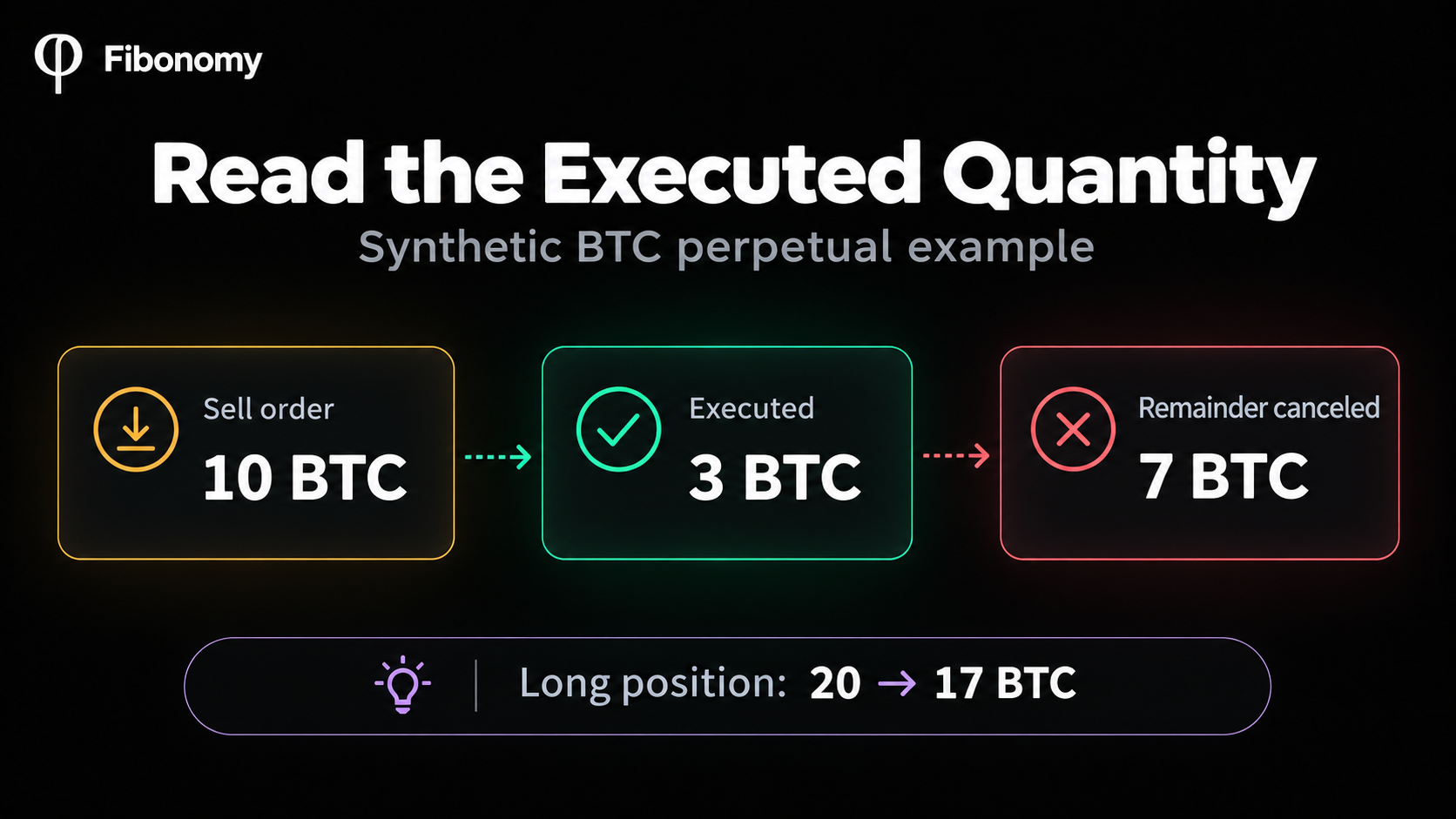
One synthetic account and market, with all fills in the interval included.
The quantities reconcile as 10 BTC ordered = 3 BTC executed + 7 BTC canceled. The position changes by the executed quantity, giving 20 − 3 = 17 BTC long. The canceled remainder contributes zero additional executed quantity.
Your review finding can read “The account reduced its long by 3 BTC, and the remaining 7 BTC of the sell order was canceled.” The record establishes that sequence. Any explanation for why the trader canceled would need additional evidence.
For the mechanics of the remaining position after a reduction, see what happens when a futures position is partially closed.
Why does the starting position matter?
A sell fill has a different effect depending on the position already held. In the example above, selling 3 BTC reduces a 20 BTC long to a 17 BTC long. In a second synthetic case, selling 3 BTC while holding a 2 BTC short increases that short to 5 BTC.
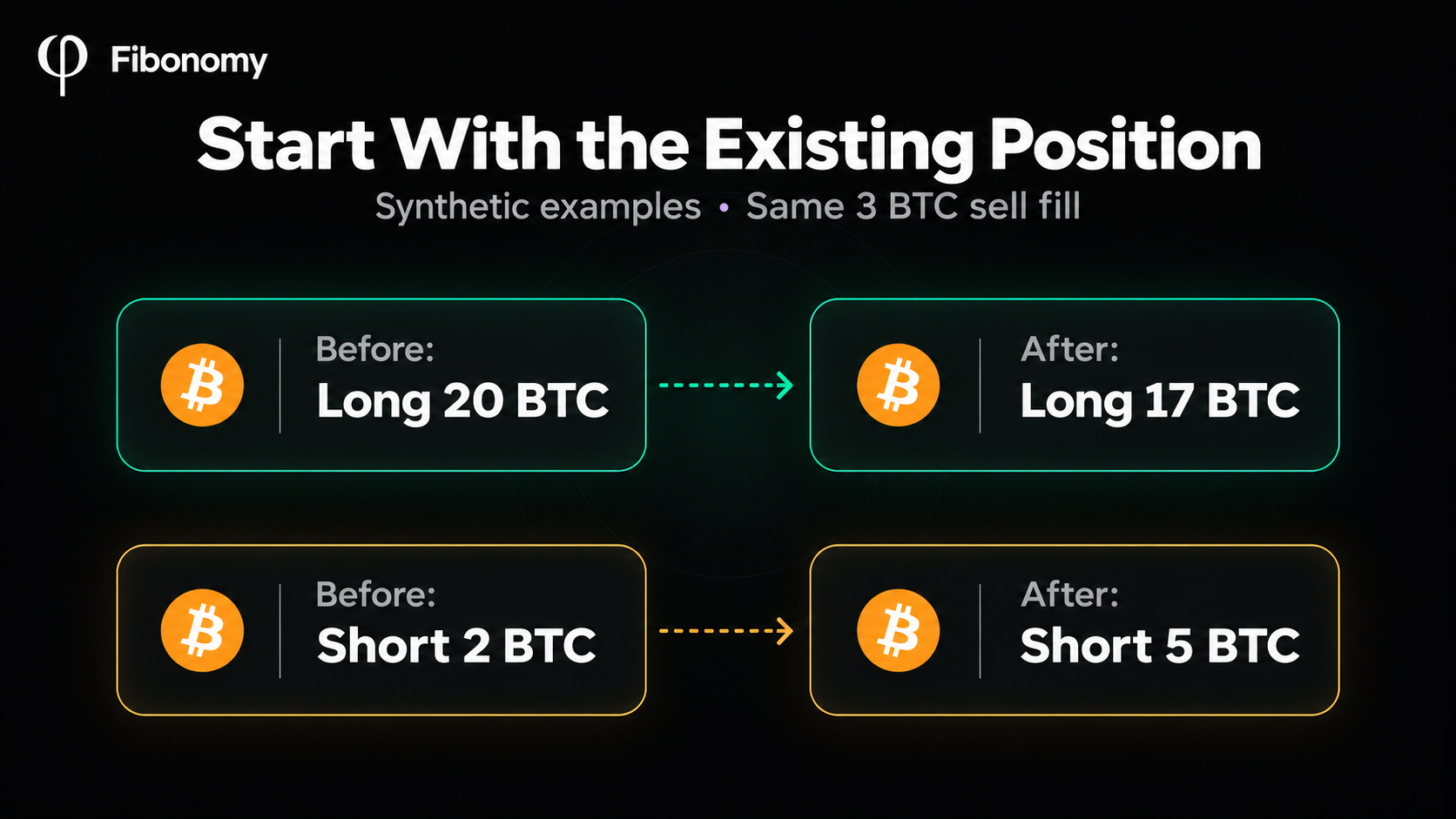
Both examples assume a single market and account, with no other fills between the before and after records.
| Starting position | Executed change | Result |
|---|---|---|
| Long 20 BTC | Sell 3 BTC | Long 17 BTC |
| Short 2 BTC | Sell 3 BTC | Short 5 BTC |
Match the execution with the position that preceded it. Keep the exact account and market scope consistent across records. Hyperliquid's perpetual account query documents open positions and margin data with a perpetual DEX scope. Confirm that scope when comparing snapshots. Hyperliquid perpetuals documentation
A position snapshot taken after several intervening fills needs the full sequence to explain its change. Keep those fills in the review even if the first alert or large order was what drew your attention.
How should you read whale positions in Fibonomy?
The public Fibonomy Hyperliquid page describes Whale positions ranked by size, alongside Trader Explorer, Follow and position alerts. Its alerts describe opening, adding, reducing and closing a position. Those advertised events are the starting points for a review of the associated activity.
Open the Hyperliquid page and choose the product path that matches the account you want to examine. The saved public entry-path inspection found that Explore traders led anonymous visitors to sign-in. Use the current screen to confirm the available view.
For each event you investigate, keep a short record:
- Account and market — the exact address, instrument and venue scope.
- Time — event time, observation time and timezone.
- Order evidence — identifier, status and original and remaining quantities, when available.
- Execution evidence — fills associated with the event, including any gaps.
- Position finding — starting size, executed change and resulting size.
- Unresolved questions — missing status, missing starting position or incomplete history.
If you link an address while signed into a service, that association adds account context to public activity. Review the connection screen and current privacy policy when deciding what to associate with your account.
What can you conclude from a whale-tracking event?
Write the narrowest finding that the records support. A complete sequence can establish that a particular account increased or reduced a position by a specified quantity. A snapshot can establish the position visible at the time it was captured.
To assess trading performance, you would also need the relevant prices, costs, funding and a consistent review period. The quantity examples in this guide establish position changes. A post-trade review checklist helps organize a later review when the required records are available.
Keep explanations of intent tied to evidence. Public activity can show what an address did, while a trader's reasoning may remain undocumented.
Frequently asked questions
Does a canceled order mean nothing executed?
Check the earlier fills. A cancellation can apply to the unfilled remainder after a partial execution. In the worked example, 3 BTC executed before 7 BTC was canceled.
Can a sell alert describe a trader reducing risk?
A sell fill can reduce an existing long. Check the starting position and the resulting size to determine the actual change in exposure.
Why can an order vanish between two observations?
The status and fill history are needed to explain the interval. Record the two observations and the missing records if those details are unavailable.
Sources
- Hyperliquid Info endpoint documents open orders, fills and order-status records.
- Hyperliquid Exchange endpoint describes time-in-force behavior.
- Hyperliquid perpetuals queries documents position and market scope.
- Fibonomy Hyperliquid describes the public product features and connection paths.
Sources and public product page checked November 27, 2026.